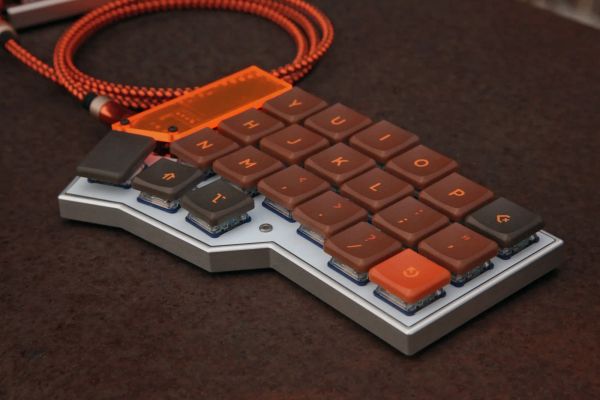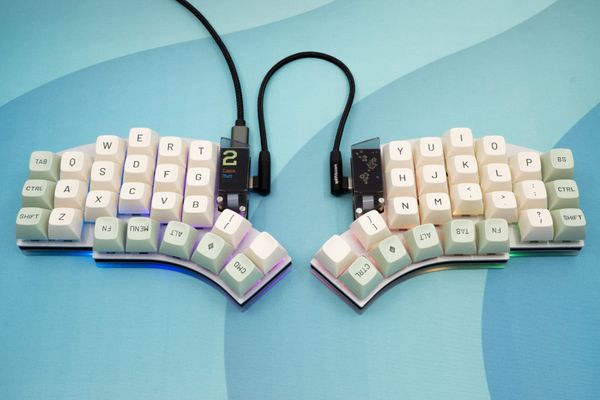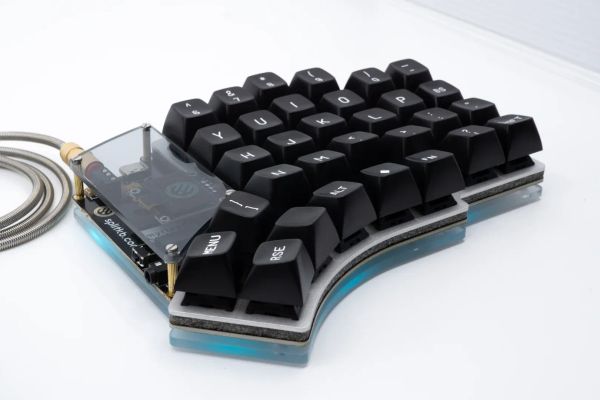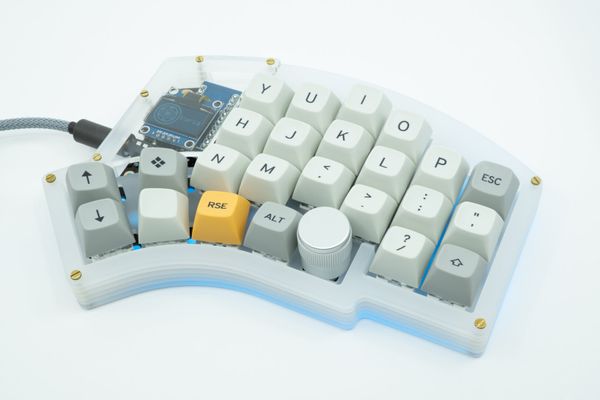
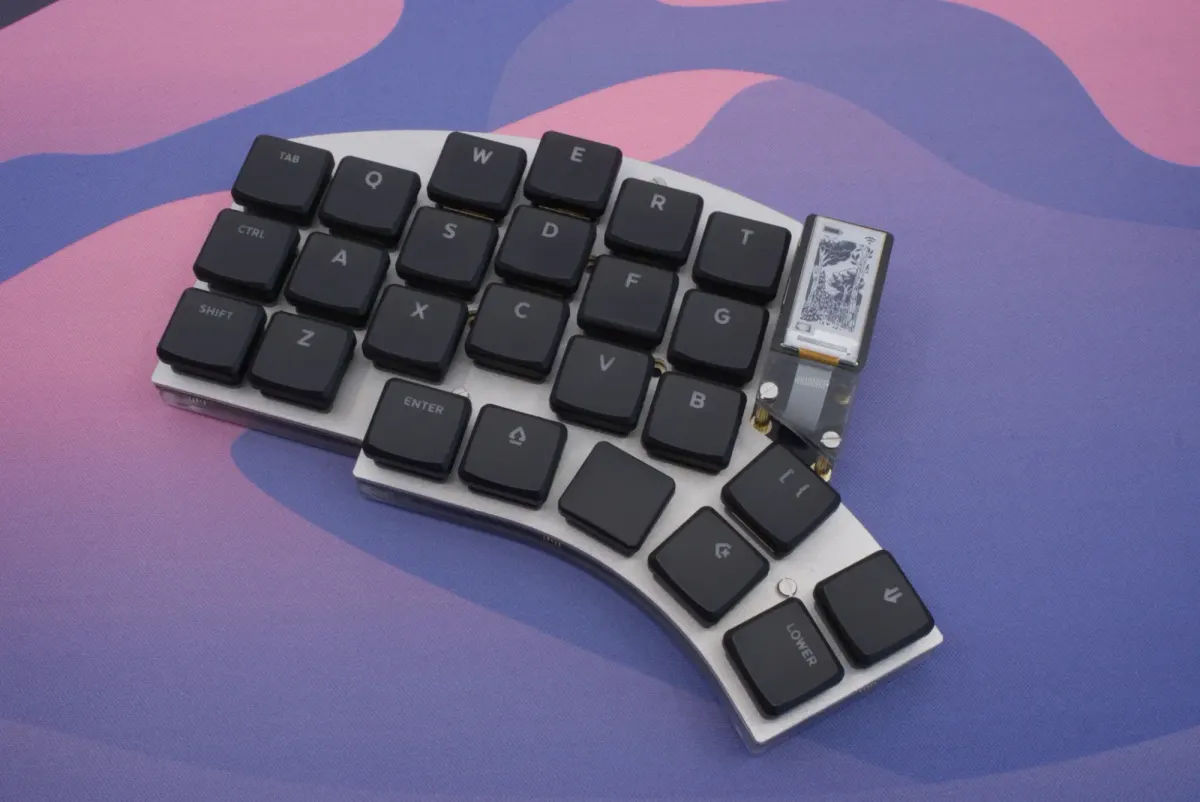
During the Winter update of 2024, we introduced the Halcyon Series: a new series of keyboards that fixed many of the pain points of DIY builds, as well as introducing several useful and cool features such as modules and advanced ESD protection.
What is Halcyon Wireless?
Halcyon Wireless is a set of new products to enable Halcyon keyboards to become wireless. Whether you're often out and about or if you simply want to rid your desk of as many cables as possible, now you can easily do so with the new wireless upgrade for Halcyon!
This new product release consists of a few new products:
- Wireless Controller
- Power Boards
- Wireless USB C Dongle
- E-Paper Display Module
There will also be a Pro Micro to Halcyon Adapter board, but due to technical reasons that will become available later this year.
If you'd like to get a new keyboard with the wireless bits, you can! We updated the Composer to include the new wireless options too, along with some frequently asked questions and answers.
We'll discuss what each product does further below, but let's get some important questions out of the way first.
Frequently Asked Questions
- Will I be able to make my current Halcyon keyboard wireless?
Yes! And you won't need to purchase a new keyboard, too. The new controller is a drop-in replacement. Especially for this release, we made special upgrade bundles that include the controllers, mounting hardware, a power source, a dongle and an USB A to C adapter for an attractive price: it's all you need to upgrade a Halcyon keyboard to wireless. - Can I purchase controllers separately?
Yes! Both wired as well as wireless controllers are now available separately. - Can I use my current modules with Halcyon Wireless?
You'll be able to use some modules with Halcyon Wireless, though there are some caveats:- The Cirque Trackpad Module is compatible but it does draw a lot of power. We recommend using the LiPo power board together with this module, as it'll drain the coin cell battery too quickly to be useful for daily use.
- The Rotary Encoder Module rev 1.0 is not compatible due to a hardware incompatibility (related to internal pull-up resistors). We released a new 2.0 version some months ago that is compatible: it works differently, and also has a much lower power draw. If you recently bought your keyboard, your module may already be compatible.
- The TFT LCD Display Module is not compatible due to excessive power draw, though it is technically supported by the firmware. We haven't implemented support because the display will draw both a coin cell as well as a LiPo battery empty within an hour. Alternatively, we made the E-Paper Module to serve as a power-efficient display option.
- Can I use the dongle with other ZMK-powered keyboards?
Yes! You're able to flash your own ZMK firmware to the dongle, and that includes firmware for other ZMK-powered keyboards. It's perfectly fine to purchase just the dongle for use with your own keyboard: it doesn't require other splitkb.com parts to work, though of course it does work with our own keyboards, too.
The Controller
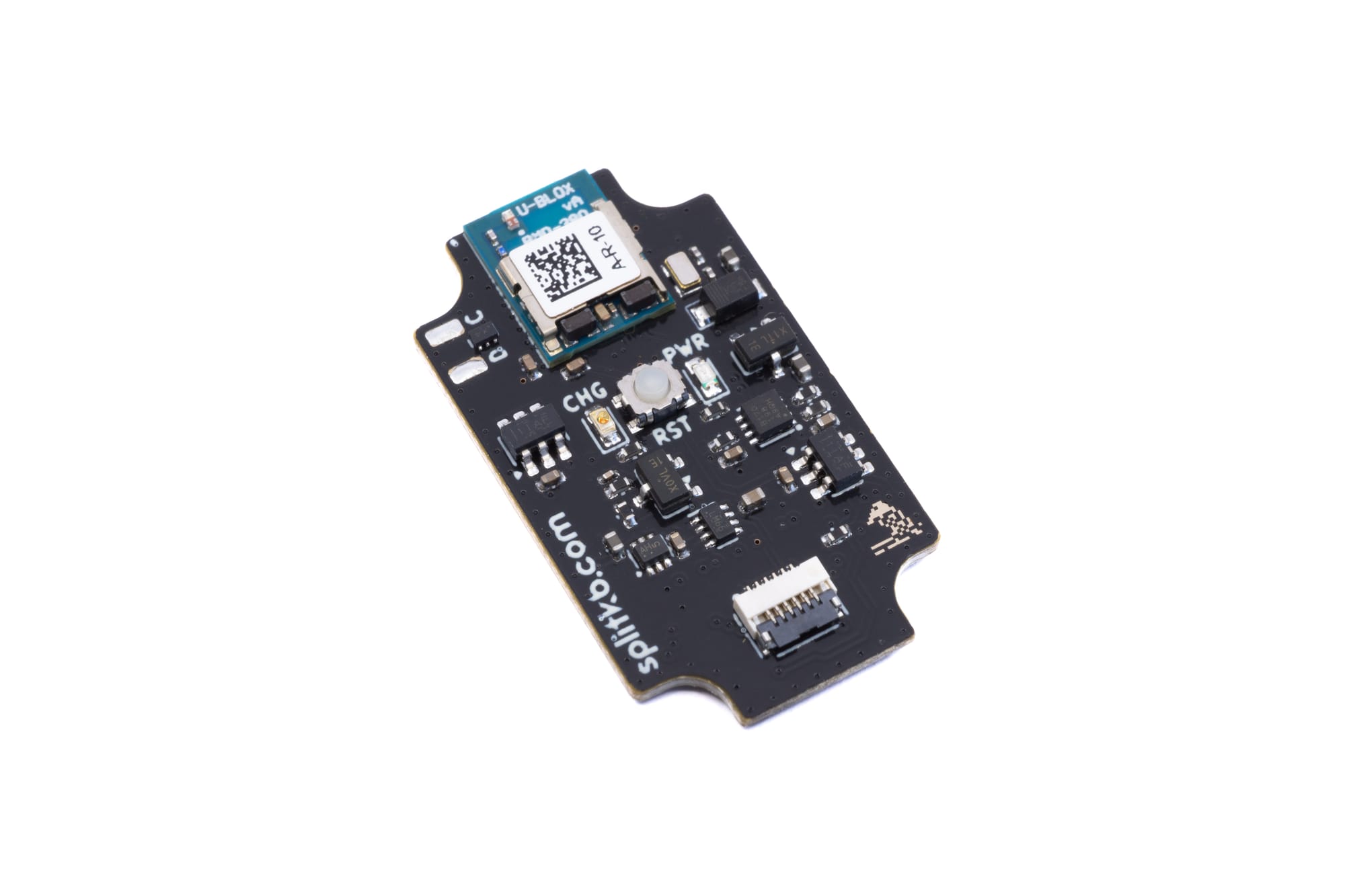
The controller is at the core of Halcyon Wireless: A new controller based on the popular nRF52840 chip (the same as that of the nice!nano as well as other wireless controllers). It's powered by ZMK Firmware, and is a drop-in replacement for the wired RP2040 controller you may already have. All Halcyon keyboards are backwards-compatible, so there is no need to purchase a new keyboard just to use wireless functionality.
Being wireless, we naturally focused on power usage and dependability. It has an ultra-low power consumption in deep sleep of 2.31µA with a LiPo battery and a mere 1.63µA when using a coin cell battery (measured while using the Halcyon Wireless USB C Dongle and without using modules, precision of ±10%). The controller uses a CE- and FCC-certified module that houses the controller chip and wireless circuitry, improving connection reliability and reducing interference.
Like the wired controller, the wireless controller has full ESD protection on all inputs and outputs, meaning it'll survive daily use even in dry winter weather, where other controllers might suffer from electrostatic damage.
The controller features a new connector: a six-pin flat cable connector. It can be used to connect a Power Board, which powers the controller while the keyboard is not connected by cable. Currently these Power Boards are the only way to power the controller, but for future development we've made sure that the keyboard itself can also power the controller directly, making it possible to relocate the battery elsewhere. We have to think ahead for future-proofing, after all! 😉
The Power Boards
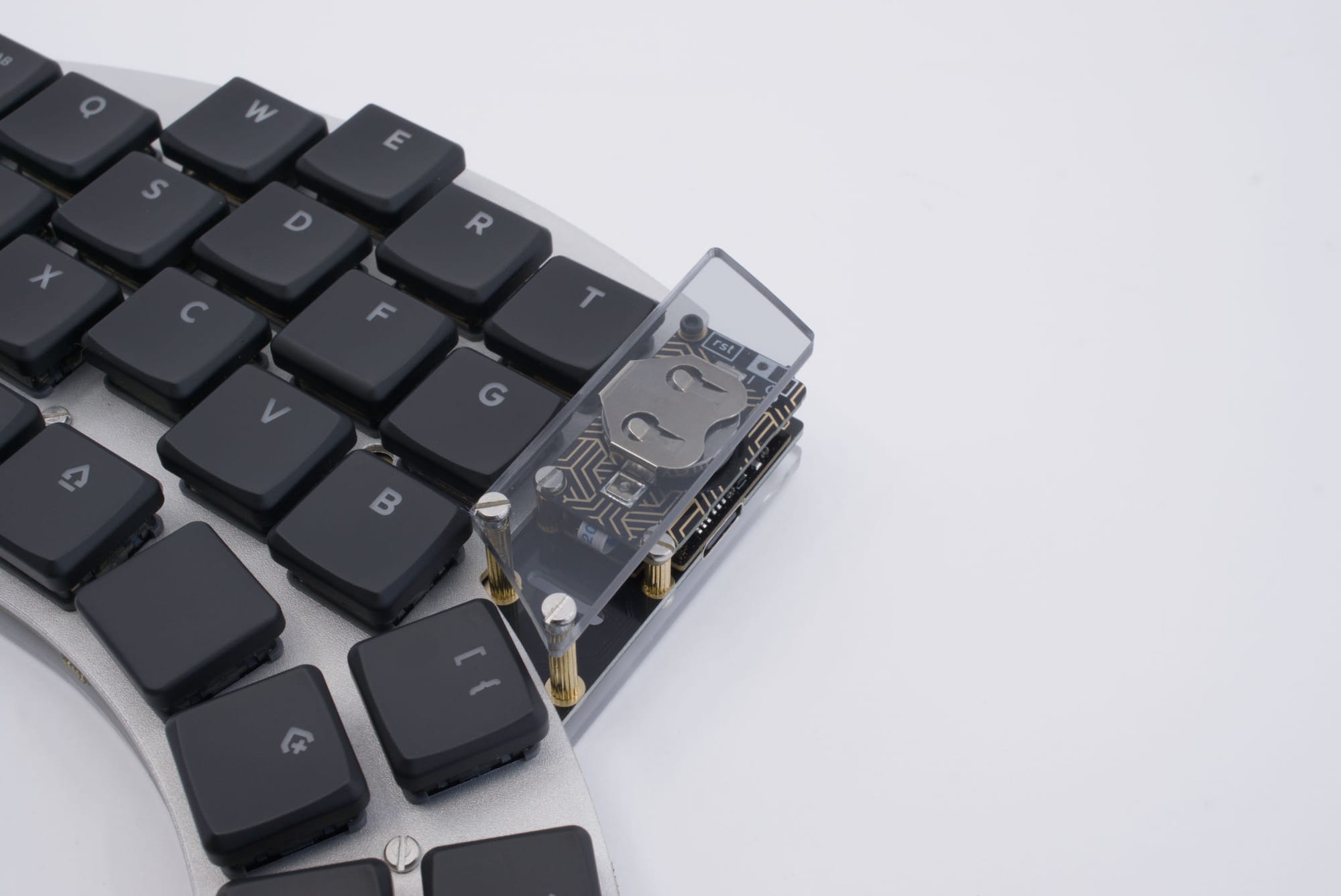
About those power boards, we're introducing two of them. The first is the recommended and likely default option: the Coin Cell Power Board. It's powered by a 3V CR1632 coin cell battery, which puts the controller in an energy-efficient low-voltage power mode. When paired with the Halcyon Wireless Dongle, it's possible to achieve an estimated battery life between six to nine months, meaning you'll only have to replace the battery about once to twice per year.
The other option is the LiPo Battery Power Board. It allows you to install your own 3.7V LiPo battery, which makes for a conveniently rechargeable power source.
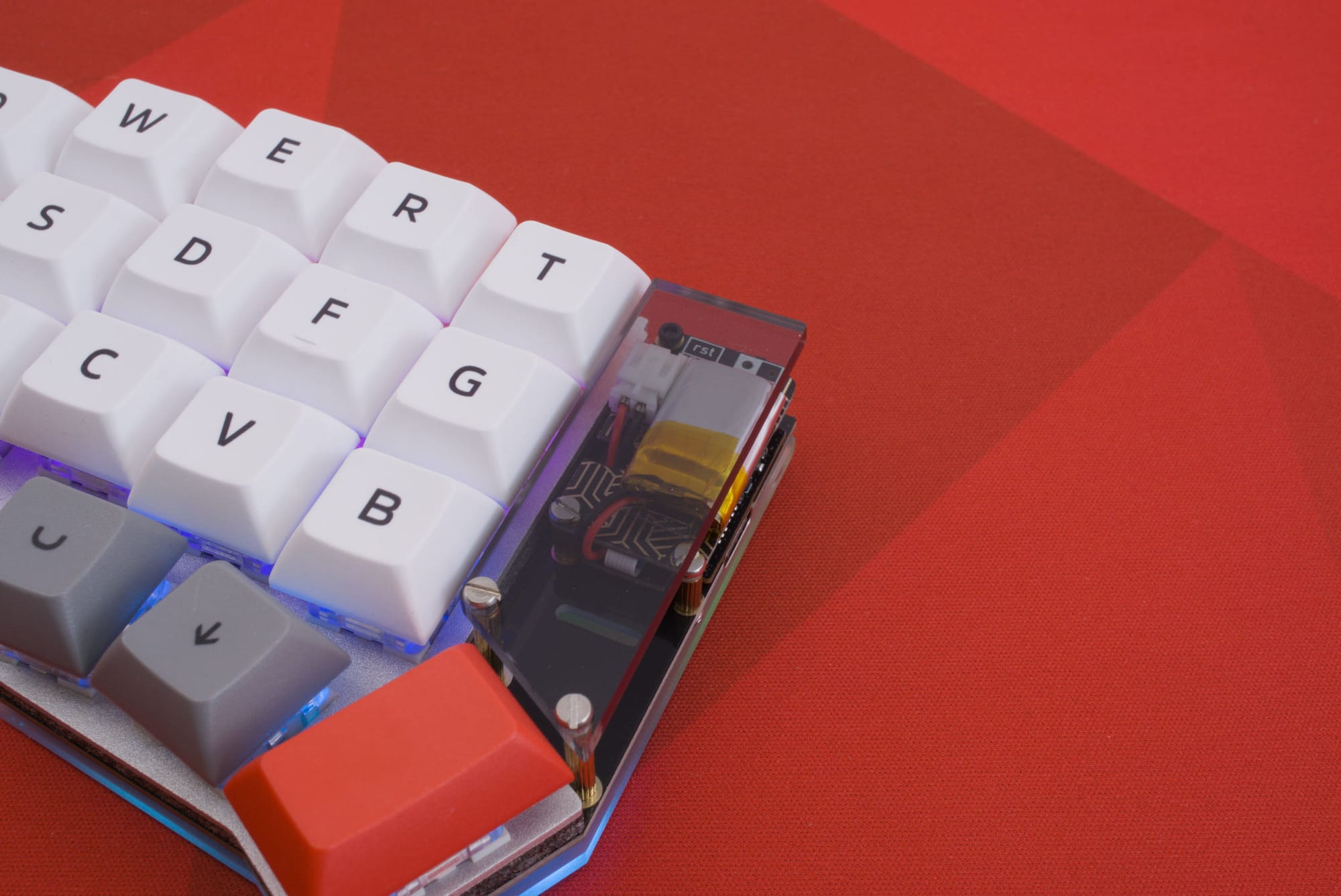
Both power boards feature reverse voltage protection. If you manage to insert the battery wrong, which is especially a risk with LiPo batteries which may come with connectors where the polarity doesn't match, you won't damage the battery board, the controller or the keyboard itself. It won't turn on until you properly orient the power source, but at least there won't be any damage.
The Dongle
Coin cells are nice but not rechargeable, so we wanted to make a single charge last as long as possible. The most power hungry feature on any wireless controller is the radio: it simply costs a lot of energy to send packets into the air, so that's something to reduce as much as possible.
Usually, a split keyboard's main half needs two connections: one to the host device and one to the peripheral half of the keyboard. Needing to keep two connections open means the processor can't sleep as much, and all the radio traffic is power-consuming as well. With the dongle, each half of the keyboard needs only a single connection, and thus the main half can save a lot more battery than it could before. Both halves will experience the same low power consumption, and will last months instead of weeks on a single charge.
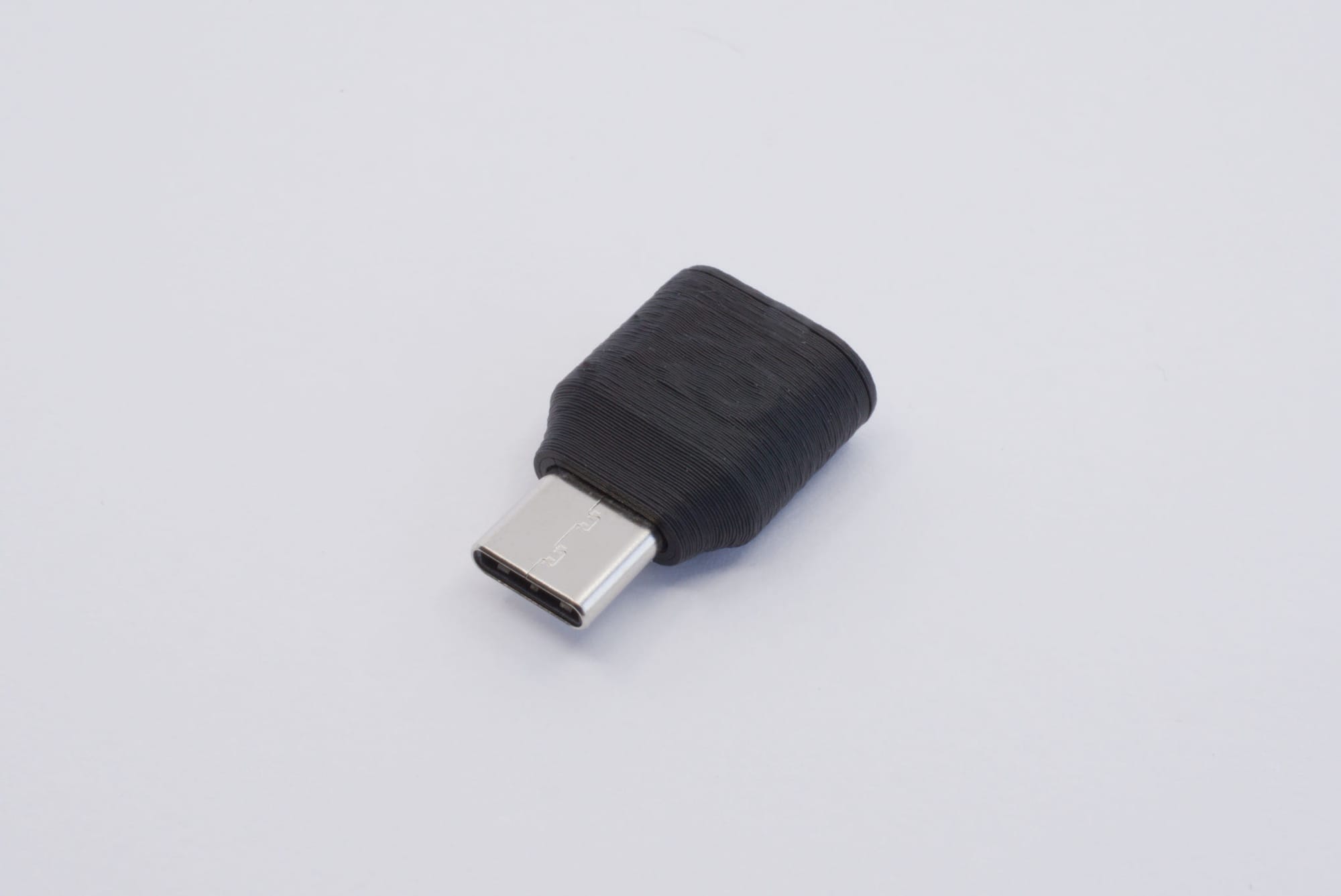
Dongles for ZMK already exist: you can use most any ZMK-compatible controller and make it into a dongle. But using a normal controller as a dongle is a bit inconvenient, as you still need a USB cable to connect to the controller. There did exist some USB A dongles, but they were bulky and devices these days come with USB C more often than not. And so we set out to create a dongle of our own, with USB C, and as small as we could possibly make it.
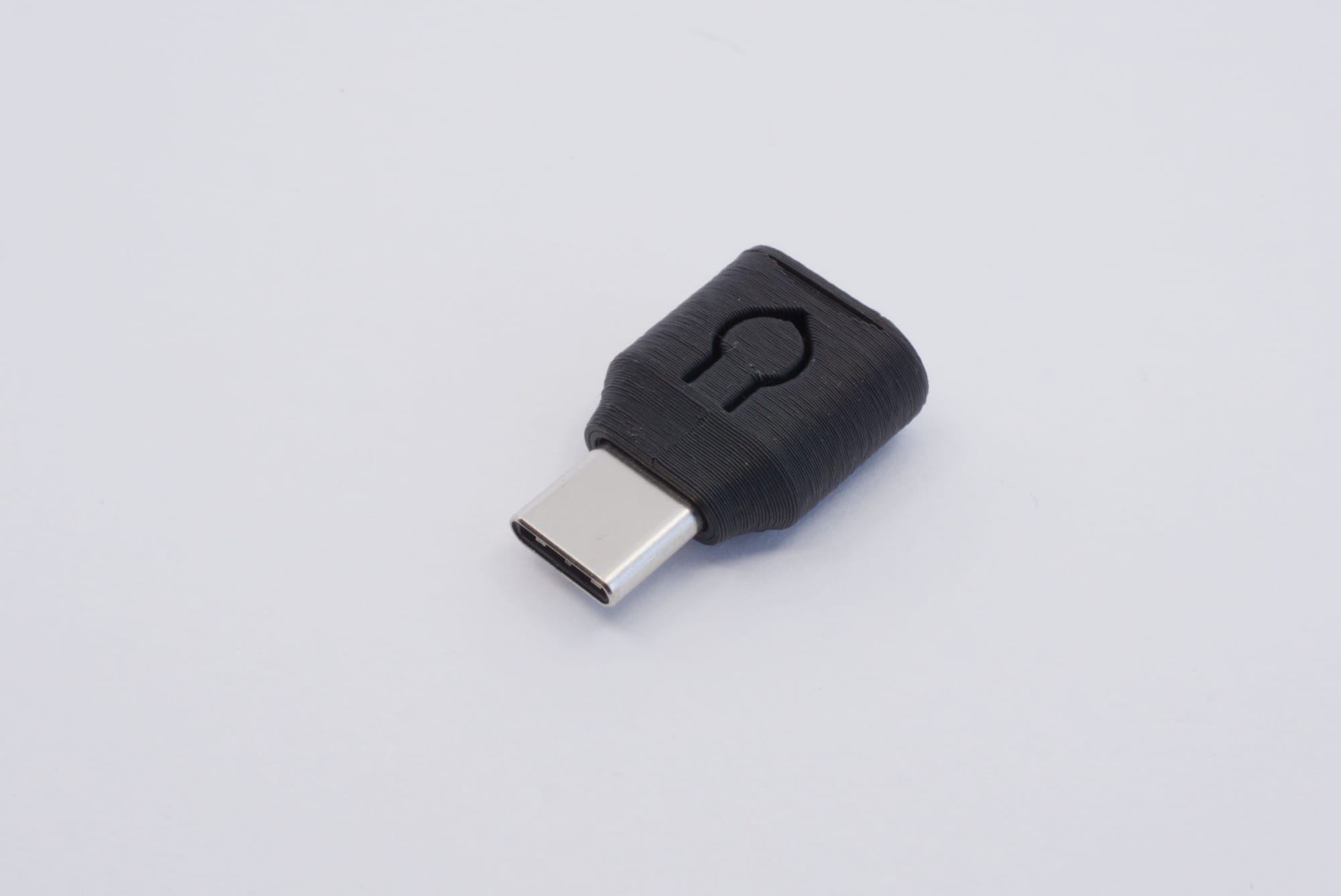
The dongle uses the same module as the wireless controller, and is really as small as we could possibly make it. We designed a custom 3D-printed case for it, for which the files are available to you, in case you want your case to come in a different colour than good old matte black 😎
The E-Paper Display Module
Displays are cool! The TFT LCD display module we already had for the Halcyon Series works fine, but the fancy colours are rather power-hungry. We measured the power consumption and the display will drain a battery completely empty within half an hour. Whoops. We did still want a display, as it is useful to be able to display the battery charge remaining, the connection status, as well as offer the ability for people to customise their keyboard.
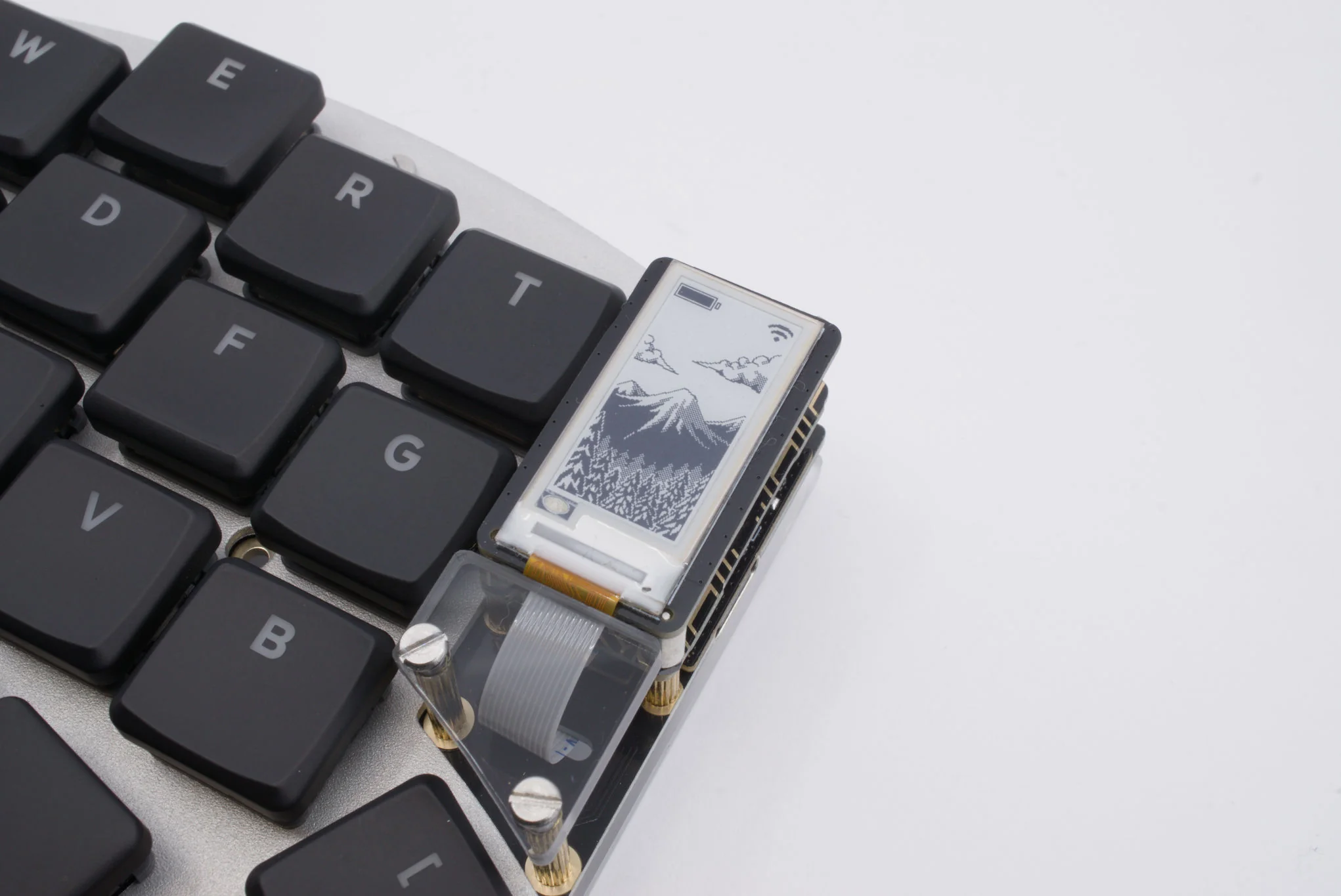
The nice!view display is based on a memory LCD display, which boasts a few very good qualities. We might still make a module based on that technology in the future. One caveat though: that display is only made by Sharp and it's rather hard to reliably source, with very long lead times and unpredictable production schedules. We made a few prototypes with varying displays, and ultimately landed on e-paper, a display technology most will be familiar with.
E-paper has a very low power consumption, especially when you update the display infrequently. And for use on a keyboard, that's perfectly fine: the battery charge doesn't change often, the connection state doesn't change often either, and even if you'd like to display the active layer then that wouldn't impact battery life much. We're very happy with how the display turned out, and we're excited to see which customisations the community may end up working on!
The future
This product reveal isn't the full story, but it's everything that's available at the moment. One part that's still in production are the Pro Micro adapters, which allow the use of Halcyon controllers and modules on Pro Micro-form-factor keyboards such as the Aurora Series and many DIY circuit boards. We estimate that we'll be able to release that in about one or two months.
Next to that, we still have plenty of things on our roadmap. I won't share too much here, as I don't want to overpromise, but one of the things at the top is making Halcyon versions of the Sofle v2 keyboard that already exists in the Aurora Series. It's been one of the most requested additions, and I think we'll be able to complete that project this year. Hype!
Wrapping up
That's all for now! If you have anything you'd like to see, please feel welcome to ask about it on our Discord server, or send an email to support@splitkb.com. We're always happy to help!
Thank you for reading all this, and see you at the next update! ❤️